

Planning a Small Office Network: A Practical Checklist
Quick answer
A well-planned network keeps staff productive and data safer. Use this checklist when setting up or upgrading a small office.
By ITvein TeamPublished Updated 2 min read
A small office network doesn't need to be complicated, but it does need to be planned. Unplanned networks grow into tangles of consumer devices that are hard to fix when something breaks.
1. List users and devices
Count staff, computers, laptops, phones, printers, IP phones, cameras, access points and anything else that connects. Add room for growth.
2. Internet connection
- Choose the best available service (fibre where possible).
- Consider a second connection from a different provider for failover if internet is critical.
- Put the ONT/modem on a UPS.
3. Router and firewall
A business-grade router or firewall gives better security, VPN for remote access, and multi-WAN failover. See business router and firewall guide and browse routers and firewalls.
4. Switching
- Use a switch with enough ports for every wired device plus spares.
- Use PoE ports for access points, cameras and IP phones.
- Consider a managed/smart switch for VLANs. See managed vs unmanaged.
5. Wi-Fi
- Use ceiling-mounted access points rather than consumer routers in each room.
- Plan one access point per floor or per area of roughly 100–150 m² as a starting point, adjusted for walls.
- Create separate staff and guest networks.
6. Separate networks (VLANs)
- Staff: computers and printers.
- Guest: internet only.
- CCTV: cameras and recorder. See separate CCTV network.
- Voice: IP phones, if used.
7. Structured cabling
- Cat6 to each desk and access point location.
- Terminate on a patch panel in a small rack. See structured cabling basics.
- Label every port.
8. Power backup
Put the router, switches and access points on a UPS so the network survives short outages and load-shedding.
9. Security basics
- Change all default passwords.
- Keep firmware updated.
- Use WPA2/WPA3 on Wi-Fi.
- Limit admin access.
10. Documentation
Keep a simple document with the network diagram, IP ranges, device list, passwords (stored securely) and supplier contacts. It saves hours when there's a problem.
Our networking and Wi-Fi service and office solutions cover planning and installation.
Frequently asked questions
How many access points does an office need?
It depends on area, walls and users. Many small offices need one per floor; larger or busy floors need more. A quick survey gives a reliable answer.
Do I need a server room?
Small offices usually just need a ventilated, lockable wall rack. Larger offices benefit from a dedicated small room with cooling.
Can CCTV share the office network?
It can, preferably on its own VLAN to protect bandwidth and security.
Want advice for your own site?
Send photos and your requirements — we reply with an itemised quotation.
Products mentioned in this guide

Cisco
Cisco Linksys E4200 Dual-Band Wireless-N Router 140 channel
In stock
Price range PKR 4,500–6,000
Price confirmed on WhatsApp

Cisco
Cisco SF100D-16-Port 10/100 Desktop Unmanaged Switch
In stock
Price range PKR 5,000–8,000
Price confirmed on WhatsApp
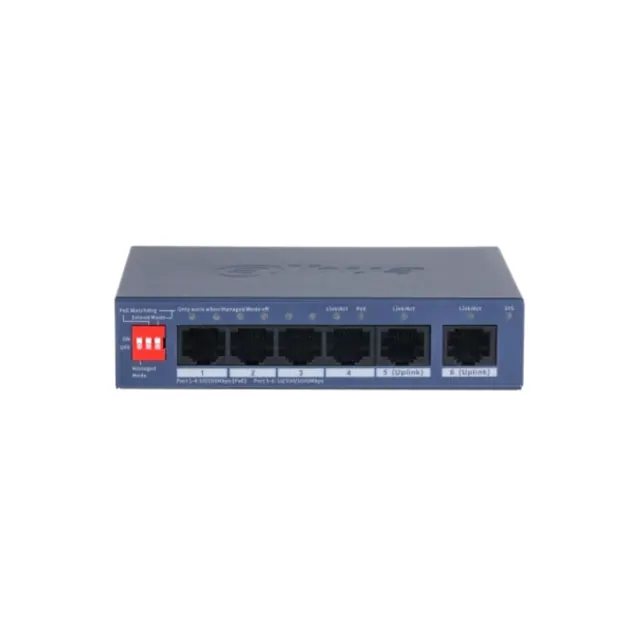
Dahua
Dahua DH-CS4006-4ET2GT-36 6-Port Managed PoE Switch | 4 PoE, 2 Gigabit Uplink
In stock
PKR 8,650
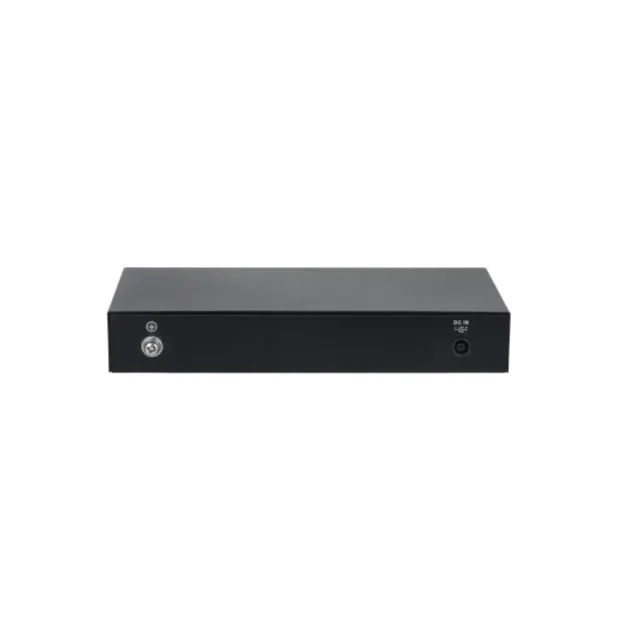
Dahua
Dahua CS4010-8ET-60 10-Port Cloud Managed PoE Switch | 8 PoE Ports, 2 Uplink
In stock
PKR 15,050