

Managed vs Unmanaged Switches: Which Does Your Network Need?
Quick answer
Unmanaged switches are simple and economical. Managed switches add control, security and visibility. Here is how to decide.
By ITvein TeamPublished Updated 2 min read
A network switch connects wired devices together. The question for most homes and businesses is whether a simple unmanaged switch is enough or whether a managed switch is worth the extra cost.
Unmanaged switches
Plug in power and cables; it works. No settings, no login.
Good for
- Homes and small offices with a few devices.
- Small CCTV systems on their own network.
- Adding ports to a room.
Limitations
- No way to separate traffic, see problems or control ports.
- All devices share one flat network.
Smart (web-managed) switches
A middle ground: a simple web interface with key features such as VLANs, basic QoS, port mirroring and PoE control.
Good for: small businesses that want some control without complexity.
Fully managed switches
Full configuration through web, command line or cloud management.
Common features
- VLANs: separate CCTV, staff, guest Wi-Fi and phones into different networks. See separate CCTV network.
- QoS: prioritise voice or important traffic.
- Link aggregation: combine ports for more bandwidth or redundancy.
- Port security and access control.
- Monitoring: see port errors, traffic and PoE usage; get alerts.
- Remote PoE reboot of a frozen camera or access point.
Good for: offices, schools, warehouses, multi-floor buildings and any network with many users or security needs.
How to decide
| Question | If yes |
|---|---|
| More than ~15–20 devices? | Consider managed |
| Need guest Wi-Fi kept separate? | Managed/smart (VLANs) |
| CCTV sharing the office network? | Managed/smart (VLANs) |
| Remote site with no IT staff on hand? | Managed with remote access |
| A few devices at home? | Unmanaged is fine |
Cost of getting it wrong
An unmanaged network that grows without planning becomes hard to troubleshoot: one faulty device or loop can slow everything. A managed switch gives visibility and control that saves time later.
Browse managed switches and unmanaged switches, or read small office network planning.
A typical small-business example
An office with 20 staff, guest Wi-Fi for visitors, 8 IP cameras and a few IP phones is a good example of where a smart or managed switch pays off:
- Staff computers on one VLAN with access to the printer and file storage.
- Guest Wi-Fi on another VLAN with internet access only.
- Cameras on their own VLAN, reachable only by the NVR and the security office PC.
- Phones on a voice VLAN with priority so calls stay clear during busy periods.
With an unmanaged switch, all of these devices would share one network. A visitor's infected phone could see the cameras and office PCs, and a large file download could affect calls.
What to ask when buying
- How many ports, and how many with PoE?
- Is management local (web), cloud-based or both?
- Are firmware updates provided regularly?
- Does it support the features you need now (VLANs, QoS, port security) rather than every feature on the market?
For CCTV-heavy networks, also read the PoE switch buying guide.
Frequently asked questions
Is a managed switch hard to set up?
Basic operation works out of the box like an unmanaged switch. Configuring VLANs and security takes some knowledge; an installer can set it up and document it.
Can I mix managed and unmanaged switches?
Yes, but VLANs don't pass correctly through most unmanaged switches. Plan where each type sits in the network.
Do I need a managed switch for CCTV?
Not for a small standalone system. It becomes valuable when CCTV shares a network with other devices or when you have many cameras.
Want advice for your own site?
Send photos and your requirements — we reply with an itemised quotation.
Products mentioned in this guide
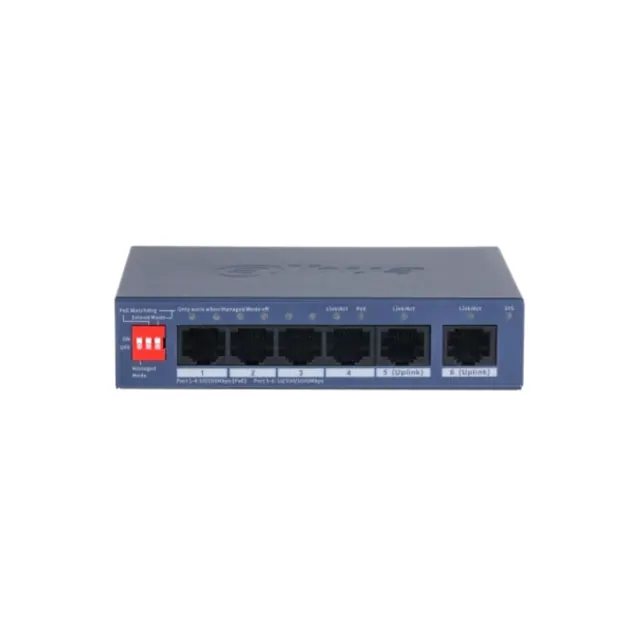
Dahua
Dahua DH-CS4006-4ET2GT-36 6-Port Managed PoE Switch | 4 PoE, 2 Gigabit Uplink
In stock
PKR 8,650
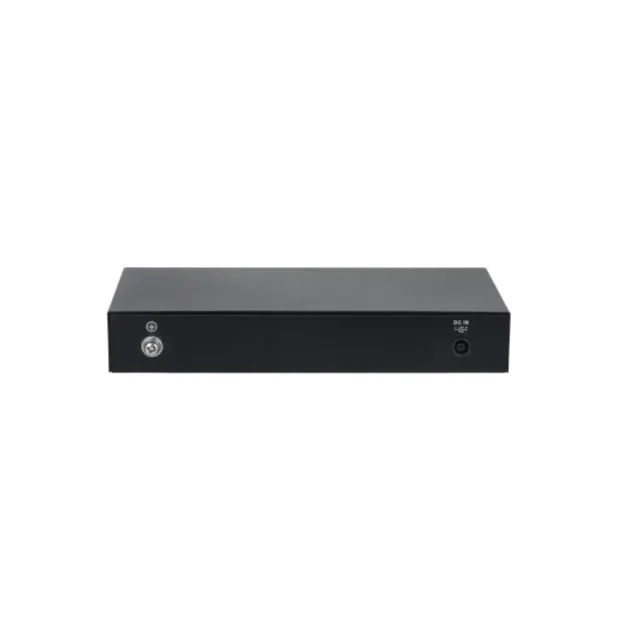
Dahua
Dahua CS4010-8ET-60 10-Port Cloud Managed PoE Switch | 8 PoE Ports, 2 Uplink
In stock
PKR 15,050
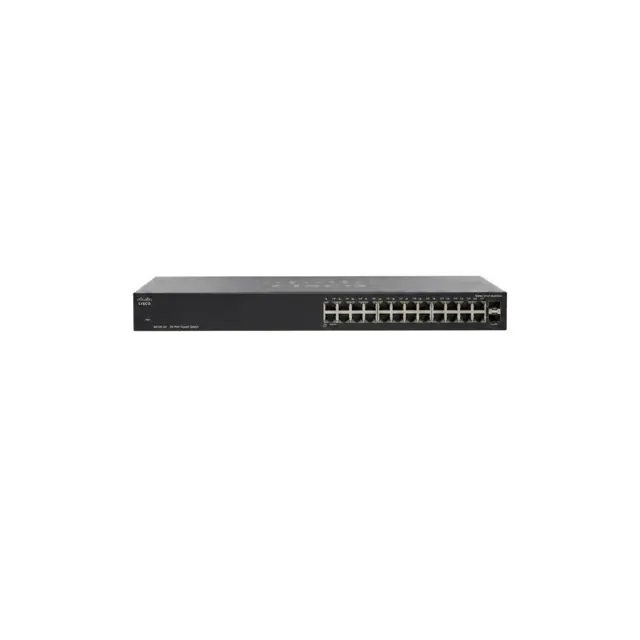
Cisco
Cisco SG100-24 port Gigabit Switch
In stock
Price range PKR 23,000–30,000
Price confirmed on WhatsApp
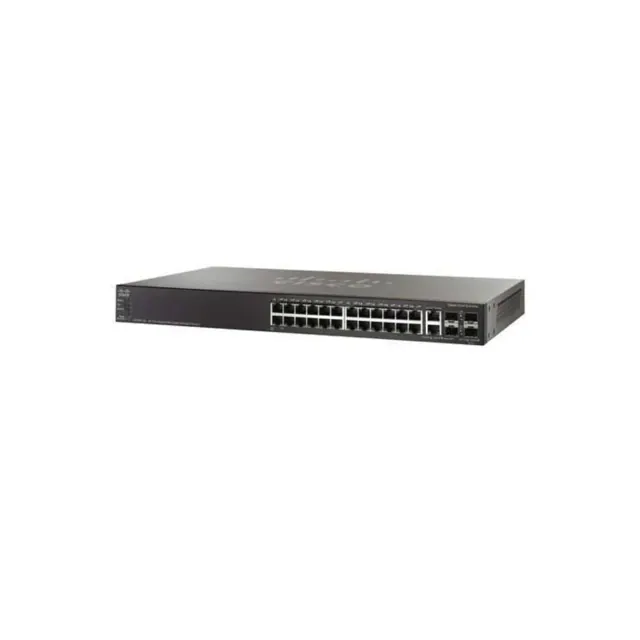
Cisco
Cisco SG500-28 24-Port Gigabit Ethernet Switch
In stock
Price range PKR 35,000–38,000
Price confirmed on WhatsApp