

Should CCTV Be on a Separate Network? VLANs Explained Simply
Quick answer
Keeping cameras on their own network improves security and performance. Here is how to do it with a dedicated switch or VLANs.
By ITvein TeamPublished Updated 2 min read
IP cameras are network devices. When they share a flat network with office computers and guest phones, they add traffic and become another target for attackers. Separating them is good practice.
Why separate CCTV?
- Security: cameras and recorders often run for years without updates. Keeping them isolated limits what an attacker can reach if a device is compromised — and protects cameras from infected office PCs.
- Performance: cameras send continuous video. On a busy office network, that traffic competes with everything else.
- Simpler troubleshooting: a camera problem doesn't affect office users, and vice versa.
Option 1: A physically separate network
Cameras connect to a dedicated PoE switch or directly to the NVR's PoE ports. The NVR connects to the office router only through its LAN port for remote viewing.
Many PoE NVRs already isolate cameras on an internal network, which is a simple and effective setup for small systems.
Option 2: VLANs on a managed switch
A VLAN (virtual LAN) splits one physical switch into separate logical networks. You might create:
- VLAN 10 – staff
- VLAN 20 – CCTV
- VLAN 30 – guest Wi-Fi
- VLAN 40 – IP phones
The router or firewall controls what can talk between VLANs. For example, allow only the security office PC to reach the NVR.
See managed vs unmanaged switches.
Simple rules for camera networks
- No direct internet access for cameras; let the NVR handle remote viewing.
- Don't forward router ports to cameras.
- Change default passwords on every camera and the recorder.
- Update firmware periodically.
More in securing your CCTV system.
What about Wi-Fi cameras?
Wi-Fi cameras talk to their cloud service, so they need internet. Many routers let you put them on a guest or IoT network, separate from your main devices.
A worked example
A shop has an NVR with 8 PoE ports, 8 cameras and an office PC used for accounts.
- The cameras plug into the NVR's PoE ports. The NVR keeps them on its own internal network.
- The NVR's LAN port connects to the shop router so the owner can view cameras on the phone app.
- The accounts PC connects to the router too, but it never talks directly to the cameras.
No managed switch is needed, and the cameras are not exposed to the PC or the internet.
An office with 30 cameras spread across two floors uses PoE switches instead. Here a managed switch with a CCTV VLAN, and a firewall rule that only lets the NVR and security PC reach that VLAN, gives the same separation at a larger scale.
Checklist after installation
- Cameras have new, unique passwords.
- Cameras cannot reach the internet directly (check the router's rules).
- Only authorised devices can open the NVR's web page.
- Remote viewing works through the official app.
- The network layout is written down for the next technician.
See CCTV for offices for how this fits into a full office plan.
Frequently asked questions
Is a VLAN as secure as a separate switch?
When configured correctly with firewall rules between VLANs, it is a strong separation. A physically separate network is simpler to understand for small systems.
Will separating cameras stop me viewing them on my phone?
No. The recorder still connects to the internet for remote viewing.
Do home users need VLANs?
Not usually. A PoE NVR with cameras on its own ports, or a guest/IoT network for Wi-Fi cameras, is enough.
Want advice for your own site?
Send photos and your requirements — we reply with an itemised quotation.
Products mentioned in this guide
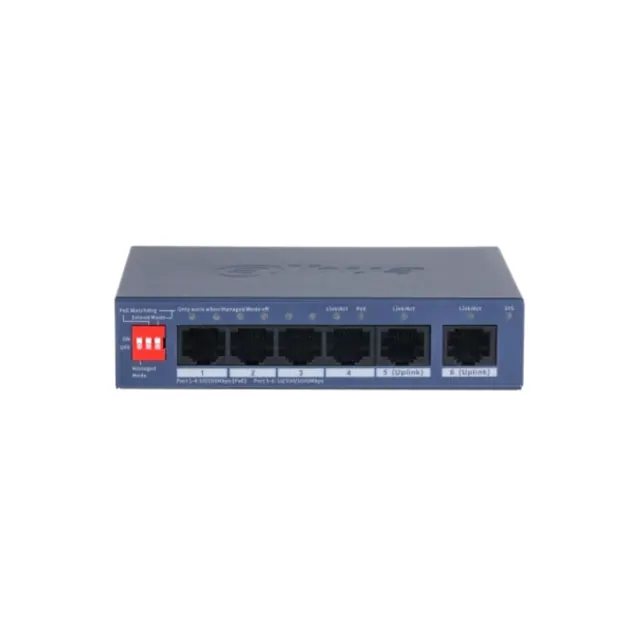
Dahua
Dahua DH-CS4006-4ET2GT-36 6-Port Managed PoE Switch | 4 PoE, 2 Gigabit Uplink
In stock
PKR 8,650
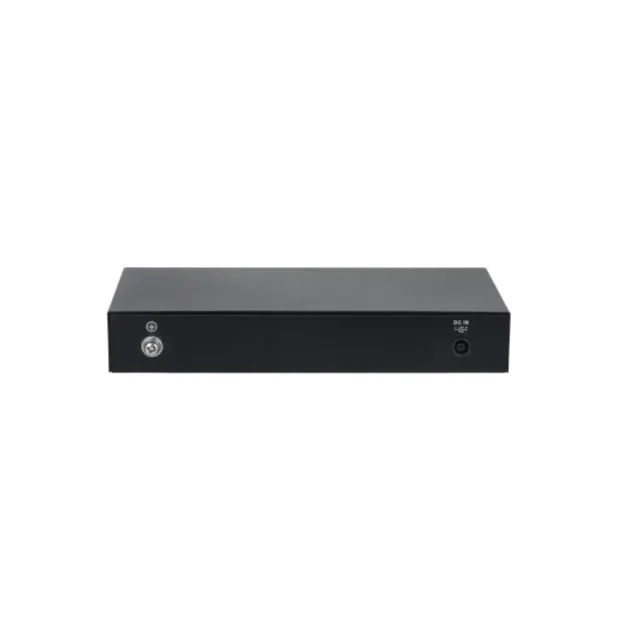
Dahua
Dahua CS4010-8ET-60 10-Port Cloud Managed PoE Switch | 8 PoE Ports, 2 Uplink
In stock
PKR 15,050
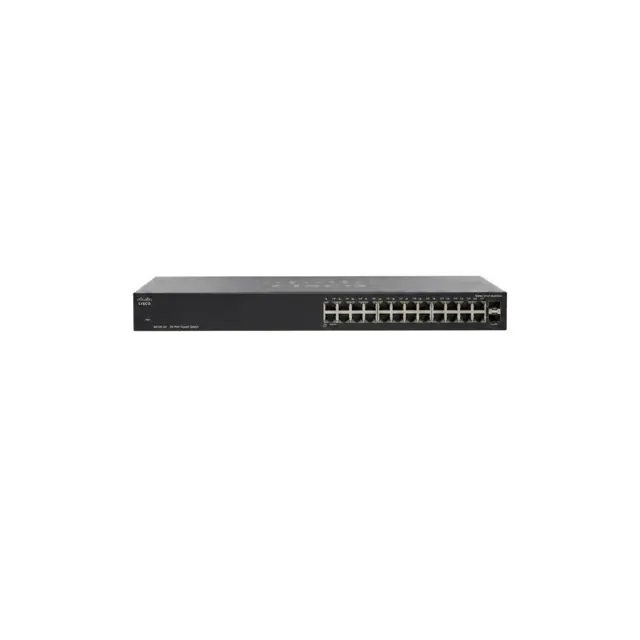
Cisco
Cisco SG100-24 port Gigabit Switch
In stock
Price range PKR 23,000–30,000
Price confirmed on WhatsApp
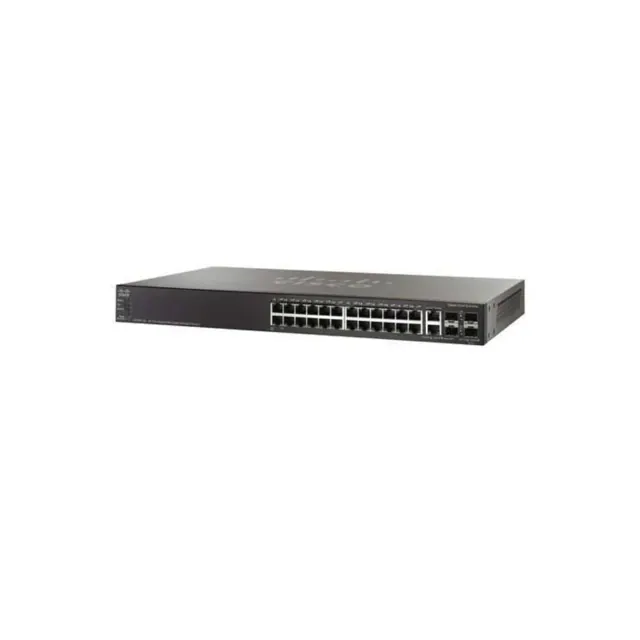
Cisco
Cisco SG500-28 24-Port Gigabit Ethernet Switch
In stock
Price range PKR 35,000–38,000
Price confirmed on WhatsApp